10 Best Games Like Blooket for Students and Teachers
Blooket is a fun way to turn quiz questions into games. But sometimes you may want something different. Maybe you want more study tools, a better way to teach a full lesson, or a game that works better for your class.
That is where games like Blooket can help.
There are many learning platforms that use quizzes, games, flashcards, videos, teamwork, and live activities. Some feel very close to Blooket, while others use a completely different style.
In this guide, we look at 10 games like Blooket that students and teachers can try. Some are good for quick classroom quizzes, while others work better for homework, study practice, or full lessons.
For Blooket Join Vsit Link
What Should You Look for in Games Like Blooket?
The best choice depends on what you want to do.
If you want a fast classroom game, look for simple controls and live quizzes. If you need a study tool, flashcards and self-paced practice may be more useful.
Here are some things to consider:
- Is it easy for students to use?
- Does it have a free option?
- Can students play at their own pace?
- Does it work well for classroom use?
- Can teachers create their own questions?
- Does it provide useful results?
- Does it work for different ages and subjects?
Some platforms are built mainly around games, while others mix games with lessons and study tools.
1. Kahoot
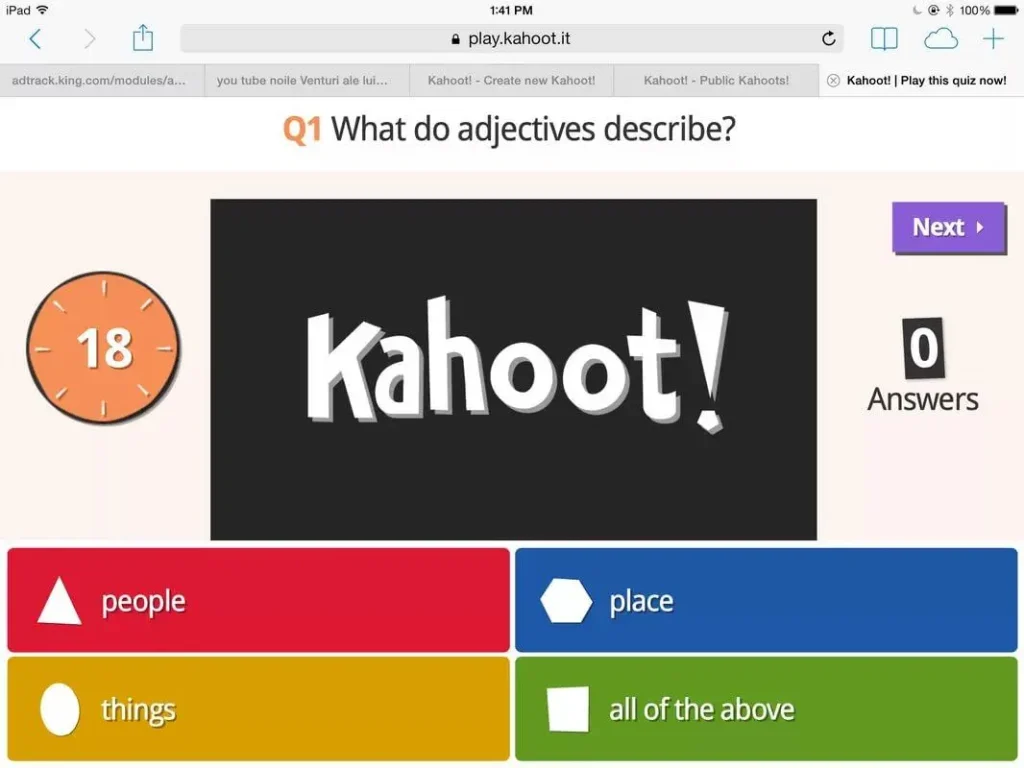
Kahoot is one of the most popular choices for teachers who want something similar to Blooket. It uses quizzes, points, competition, and live classroom play.
Teachers can use Kahoot for quick reviews, while students answer questions and see how they are doing during the activity. Its large collection of ready-made quizzes can also save teachers time.
If you are searching for games like Blooket and Kahoot, these two platforms are worth comparing. Blooket has more of an arcade-style feel, while Kahoot is closer to a live game-show quiz.
Pros and Cons of Kahoot
| Pros | Cons |
|---|---|
| Easy to use for live quizzes | Some features require payment |
| Many ready-made quizzes | Competition can feel stressful for some students |
| Good for whole-class activities | Some features may take time to learn |
| Creates an exciting classroom | Students may focus more on speed than learning |
Best for: Live quizzes, classroom review, and students who enjoy competition.
2. Gimkit
Gimkit is one of the closest choices when looking for games like Blooket and Gimkit. Both platforms turn questions into games, but Gimkit adds more strategy.
Students answer questions to earn virtual money. They can then use that money to buy upgrades and power-ups inside the game.
This makes Gimkit a good choice for students who enjoy making choices instead of simply answering questions one after another. It also gives students repeated practice with the same material.
Pros and Cons of Gimkit
| Pros | Cons |
|---|---|
| Feels like a real game | Some game mechanics can take time to understand |
| Encourages strategy | Some features may require a paid plan |
| Students can practice questions many times | Fewer game styles than Blooket |
| Good for test and vocabulary practice | May be too competitive for some students |
Best for: Students who like strategy, rewards, and repeated practice.
3. Quizizz
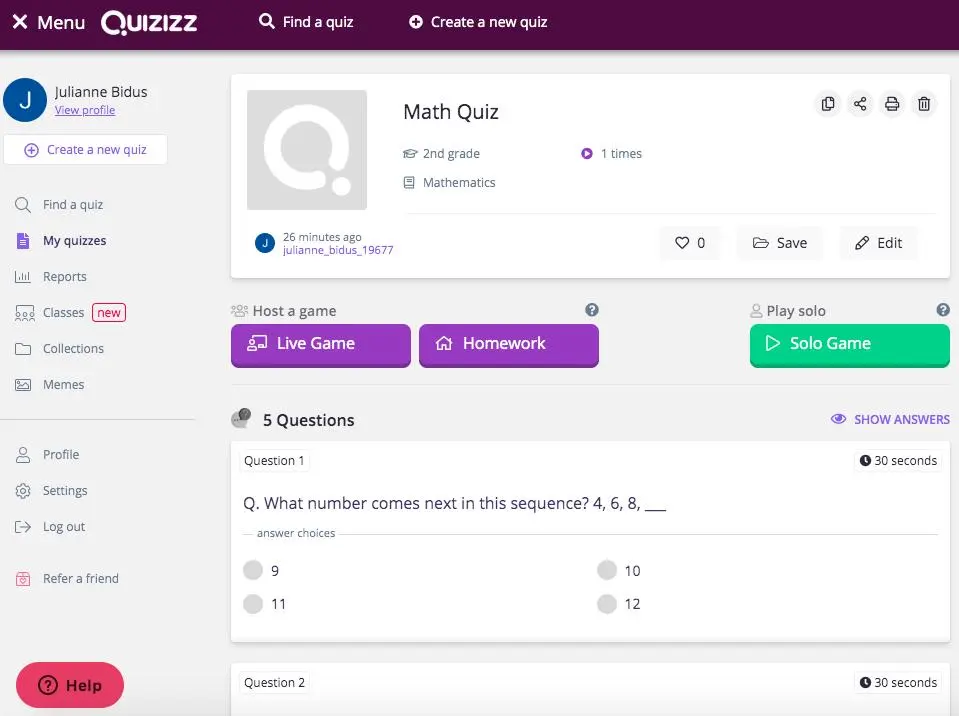
Quizizz is another strong option for people looking for educational games like Blooket. One big difference is that students can often work through questions at their own speed.
This is useful when everyone in the class does not learn at the same pace. Teachers can also use it for homework and activities outside the classroom.
Quizizz has a simple design and uses game-like features to make normal quizzes more interesting.
Pros and Cons of Quizizz
| Pros | Cons |
|---|---|
| Easy for students and teachers | Some advanced tools require payment |
| Supports self-paced learning | Not as arcade-like as Blooket |
| Useful for homework | Some students may prefer live competition |
| Works well for different learning speeds | Some features can have limits |
Best for: Self-paced quizzes, homework, and classroom review.
4. Quizlet
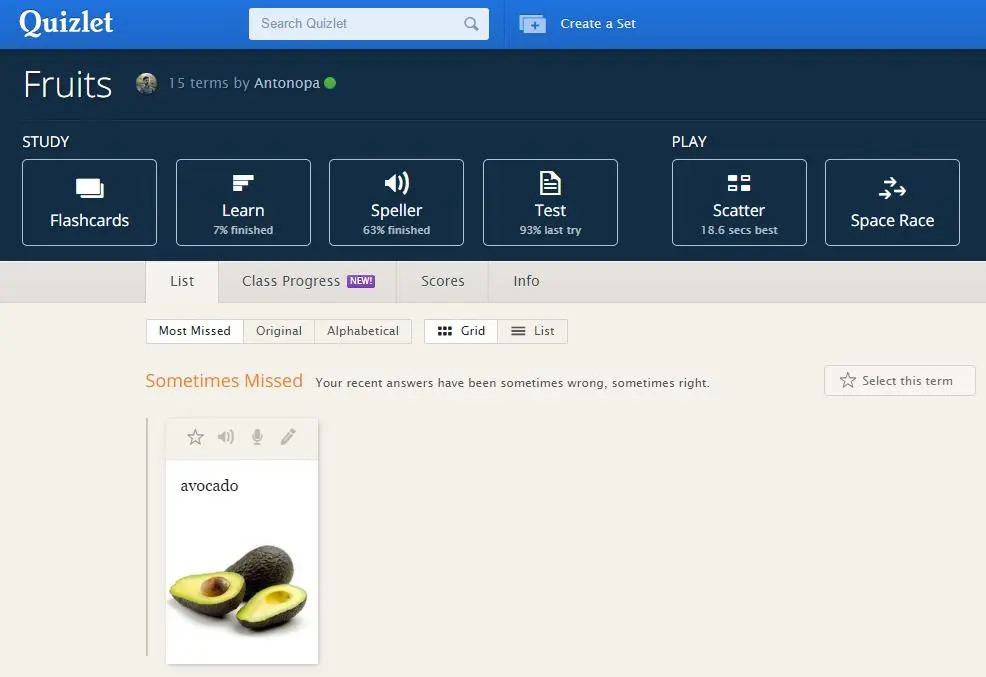
Quizlet takes a different path from Blooket. Instead of focusing mainly on live classroom games, it is especially useful for studying and remembering information.
Students can use flashcards, practice activities, tests, and matching games. This makes it useful for vocabulary, languages, science terms, and other subjects where remembering facts is important.
If you are searching for study games like Blooket, Quizlet is worth trying because students can use it on their own.
Pros and Cons of Quizlet
| Pros | Cons |
|---|---|
| Great for flashcards and memorization | Some useful features are paid |
| Easy to use | User-created content may vary in quality |
| Supports different study methods | Less focused on live competition |
| Useful for test preparation | Not as game-heavy as Blooket |
Best for: Studying, flashcards, vocabulary, and test preparation.
5. Nearpod
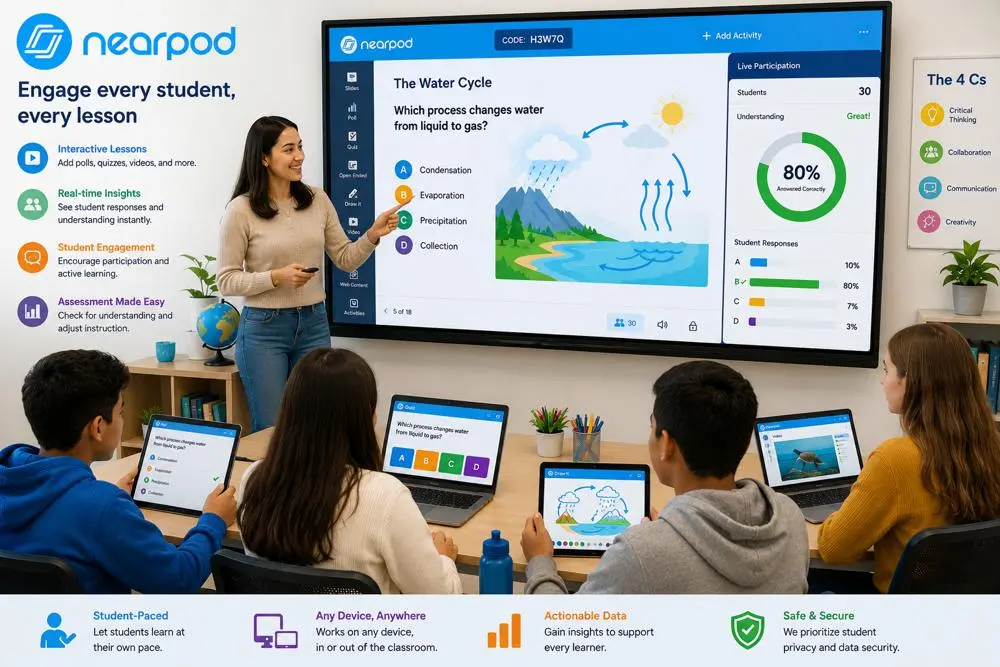
Nearpod is a good choice when a teacher wants more than a quick quiz. It lets teachers build interactive lessons using slides, videos, questions, polls, and other activities.
Students can take part during a live lesson or work through some activities at their own pace. Teachers can also check student progress.
Nearpod is better suited to full lessons than short, high-speed games.
Pros and Cons of Nearpod
| Pros | Cons |
|---|---|
| Supports interactive lessons | Less game-like than Blooket |
| Includes quizzes and polls | Some features may require payment |
| Works for live and self-paced learning | Creating lessons can take time |
| Gives teachers student information | May take time to learn all the tools |
Best for: Full lessons, interactive presentations, and teacher-led activities.
6. Edpuzzle
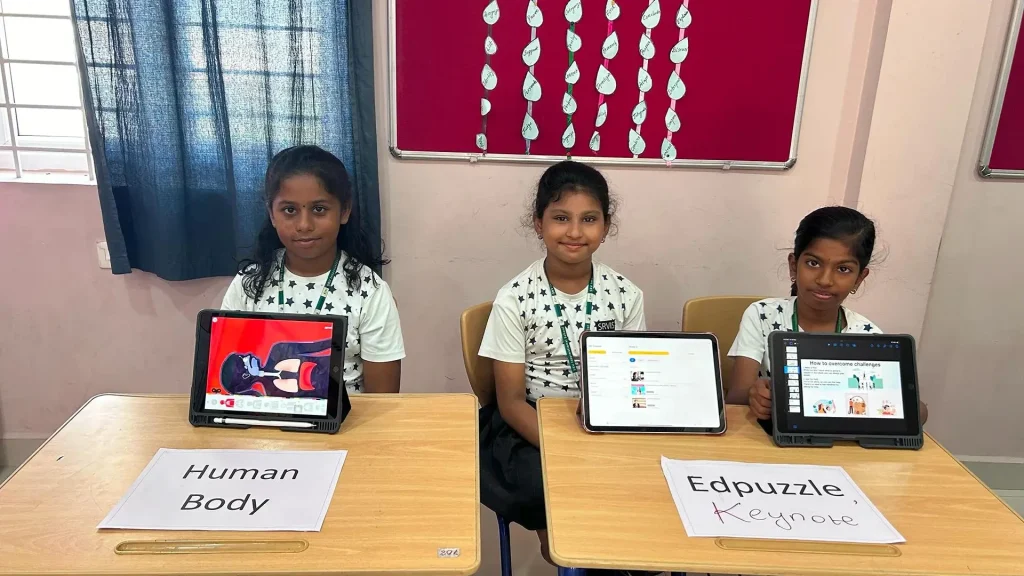
Edpuzzle is different from most games to play like Blooket because it puts videos at the center of learning.
Teachers can take a video and add questions to it. Students watch the video and answer questions as they move through the lesson.
This can be useful when a teacher wants students to learn from videos instead of only using quiz questions.
Pros and Cons of Edpuzzle
| Pros | Cons |
|---|---|
| Turns videos into learning activities | Creating lessons can take time |
| Questions can be added to videos | Not a traditional game |
| Useful for homework | May not suit students who want fast gameplay |
| Good for independent learning | Video options can be limited |
Best for: Video lessons, homework, and independent learning.
7. Slides With Friends
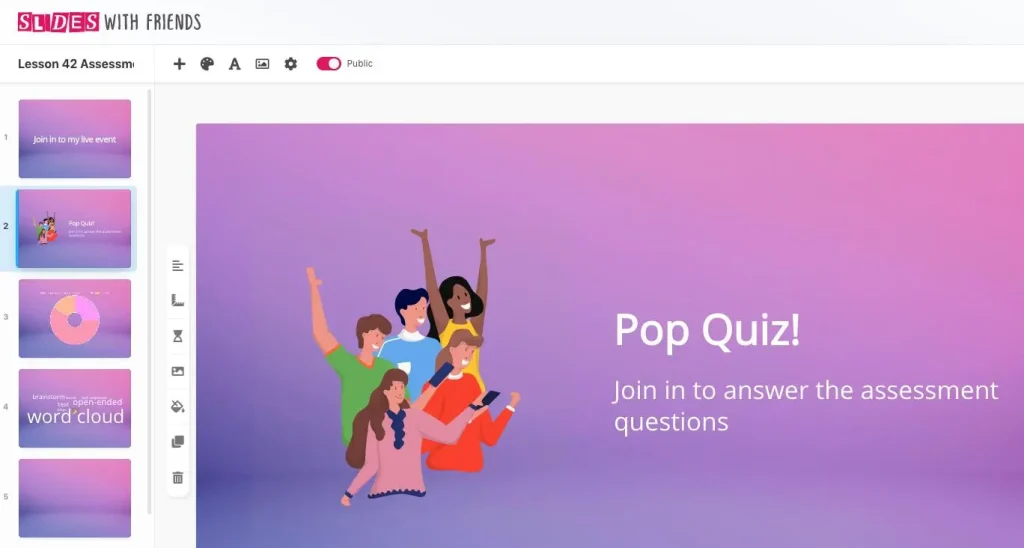
Slides With Friends is a useful choice if you want fun games like Blooket but also want more control over your lesson.
Teachers can make interactive slides and use quizzes, polls, word clouds, text answers, and other activities. Students can join from different devices without downloading an app.
It works well in classrooms, online lessons, and group activities.
Pros and Cons of Slides With Friends
| Pros | Cons |
|---|---|
| Simple design | Free plan has participant limits |
| Easy to make custom activities | Less focused on arcade-style games |
| Supports quizzes and polls | Larger groups may need a paid plan |
| Works for online and classroom use | Custom lessons can take more time to create |
Best for: Interactive presentations, classroom games, polls, and remote lessons.
8. Tarphi
Tarphi is another option for teachers who want games like Blooket for students but also need more teaching tools.
It combines quizzes, slides, polls, study activities, and assessment tools. Teachers can create content and use it in different learning modes.
This can make it useful for teachers who want more than just a short classroom game.
Pros and Cons of Tarphi
| Pros | Cons |
|---|---|
| Supports several learning activities | May feel less like an arcade game |
| Includes different question types | More tools can mean more to learn |
| Offers learning reports | Not as familiar as Blooket |
| Can be used for lessons and practice | Some features may be more useful for teachers |
Best for: Teachers who want games, lessons, assignments, and assessment together.
9. Pear Deck
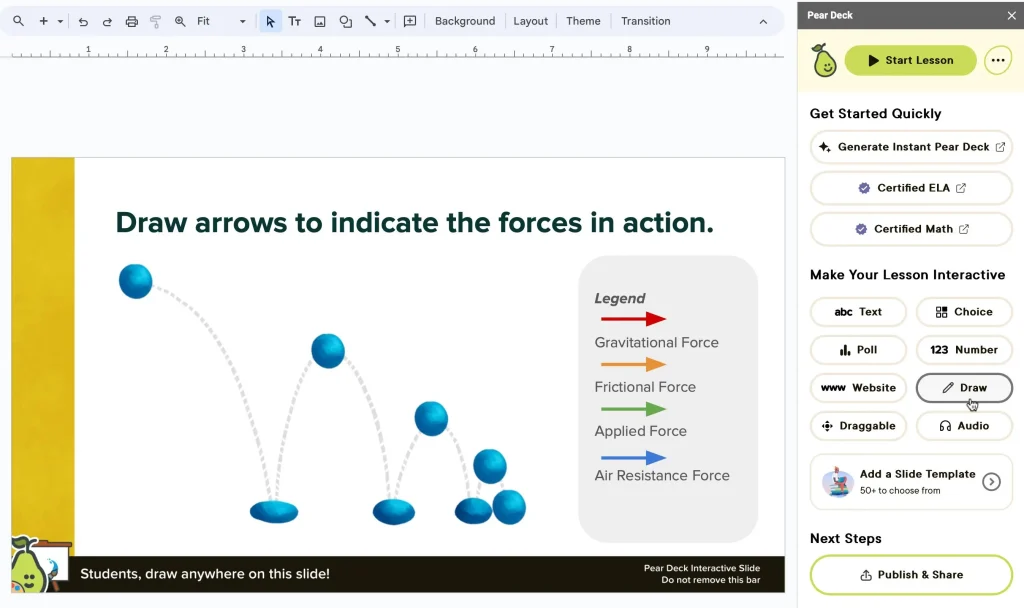
Pear Deck is designed to make regular presentations more interactive. Instead of having students simply watch slides, teachers can add questions and activities that let students respond during the lesson.
It supports different question types, including free responses and drag-and-drop activities.
It is not a direct Blooket copy, but it can be useful when you want students to take part throughout a lesson.
Pros and Cons of Pear Deck
| Pros | Cons |
|---|---|
| Makes presentations interactive | Not mainly a game platform |
| Supports different question types | Some features are premium |
| Good for classroom participation | Can take time to learn |
| Works well with presentations | Less focused on rewards and game modes |
Best for: Interactive presentations and classroom participation.
10. ClassQuiz
ClassQuiz is another option for people searching for other games like Blooket. It follows a quiz-game idea but puts more attention on feedback and adapting questions to students.
One useful feature is adaptive learning. The difficulty of questions can change based on how students perform.
This can help when students in the same class have different skill levels.
Pros and Cons of ClassQuiz
| Pros | Cons |
|---|---|
| Can adapt to student performance | Smaller content library |
| Gives quick feedback | May take time to learn |
| Simple classroom setup | Less familiar than Blooket or Kahoot |
| Supports personalized practice | May not have as many game options |
Best for: Adaptive quizzes and students who need different levels of practice.
ALternatives Games Like Blooket
With so many choices, it can be hard to know where to start. Each platform has a different strength.
| Game | Best For | Game Style |
|---|---|---|
| Kahoot | Live classroom quizzes | Competitive |
| Gimkit | Strategy and rewards | Game-focused |
| Quizizz | Self-paced quizzes | Quiz + game |
| Quizlet | Studying and flashcards | Study-focused |
| Nearpod | Full interactive lessons | Lesson-focused |
| Edpuzzle | Video learning | Video + questions |
| Slides With Friends | Interactive activities | Presentation + games |
| Tarphi | Teaching and assessment | Learning + games |
| Pear Deck | Interactive slides | Presentation-focused |
| ClassQuiz | Adaptive practice | Quiz + adaptive learning |
Games Like Blooket and Kahoot
If you want something close to both Blooket and Kahoot, Gimkit and Quizizz are two good places to start.
Gimkit is a better fit when students enjoy strategy, virtual currency, and game choices. Quizizz is useful when students need more freedom to answer questions at their own pace.
Kahoot is also a strong choice for teachers who want live competition and quick classroom review.
Games Like Blooket for Students
Students do not all enjoy the same type of game.
Some like fast competition, while others prefer quiet study. For students who want a fun classroom game, Kahoot, Gimkit, and Quizizz are strong options.
For students who want to study alone, Quizlet may be a better fit. For students who like learning through videos, Edpuzzle can be more useful.
The best option depends on the student’s age, subject, and learning style.
Games Like Blooket for Kids
For younger students, simple controls can make a big difference.
Kahoot and Quizizz are easy choices for quiz activities, while Gimkit can add more game-style strategy. Teachers who want to mix videos and questions can also try Edpuzzle.
For younger children, teachers should choose activities that match their reading level and keep the rules easy to understand.
Games Like Blooket for Adults
Adults can use these platforms too. They are not only for school students.
Kahoot, Slides With Friends, Nearpod, and Quizlet can work well for adult learners, training sessions, workshops, and group activities.
The best option depends on whether the goal is testing knowledge, teaching a lesson, or getting people to interact.
Games Like Blooket Free
If cost is important, look for platforms that offer a free plan or free starter option.
Several options in this list offer some form of free access, but the number of students and available features can change between plans.
Before choosing one for a large class, check the current limits for the plan you want to use.
Games Like Blooket With Packs
If by games like Blooket with packs you mean games where students collect, unlock, or use items during play, Gimkit is one of the closest choices on this list.
Gimkit uses virtual money, upgrades, and power-ups to add more strategy to question practice. Students have something to work toward while answering questions.
Blooket’s collectible characters and rewards are a big part of its appeal, so platforms with rewards or progression can feel familiar to Blooket players.
Games Like Blooket Tower of Doom
If you enjoy the strategy side of Tower of Doom, Gimkit may be worth trying.
Gimkit gives students more choices during gameplay. Instead of only answering questions, students can use the rewards they earn to make decisions inside the game.
This makes it a good option for students who want learning mixed with strategy.
Games Like Blooket Monster Brawl
If you enjoy the action and game feeling of Monster Brawl, there are not many educational platforms that copy the same style exactly.
Gimkit is one of the better alternatives for students who want learning mixed with game mechanics. Kahoot can also work for students who mainly enjoy live competition.
These platforms have their own gameplay systems, so they are alternatives rather than exact copies of Blooket.
How to Choose the Right Blooket Alternative
You do not need to pick the platform with the most features. Pick the one that fits your goal.
Choose Kahoot if you want a fast live quiz.
Choose Gimkit if your students enjoy strategy and rewards.
Choose Quizizz if students need self-paced practice.
Choose Quizlet if the main goal is studying and memorizing information.
Choose Nearpod if you want to build a complete interactive lesson.
Choose Edpuzzle if videos are an important part of the lesson.
Choose Slides With Friends if you want custom classroom activities.
Choose Tarphi if you want teaching, practice, and assessment tools together.
Choose Pear Deck if you already use presentation-based lessons.
Choose ClassQuiz if adaptive practice is important.
Frequently Asked Question
Final Thoughts
There are many games like Blooket that can make learning more enjoyable. The best one depends on what you want students to do.
For fast classroom competition, try Kahoot. For strategy and rewards, Gimkit is a strong choice. If students need to work at their own speed, Quizizz can be a better fit. For studying, Quizlet stands out, while Nearpod and Edpuzzle are useful when you want a bigger lesson experience.
You do not have to stop using Blooket either. Trying different platforms can give teachers more ways to keep lessons fresh and give students different ways to learn.qfgl8